

 BatchFileRename - Getting Started
|
|
1. File selection Select the files/directories you want to rename and drag them onto the list at the right. 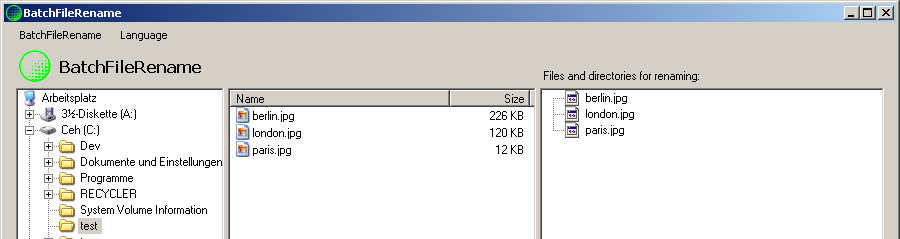
2. When you're done click  . .
3. Specify whether you want to rename files, directories or both. 
4. Specify how you want to rename the files. 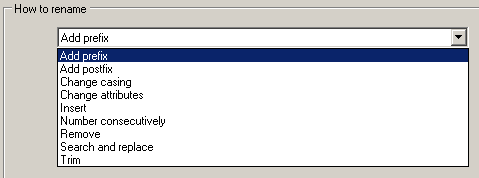
5. Depending on the type of renaming you will be presented with different options. As an example here are the options for Search & Replace: 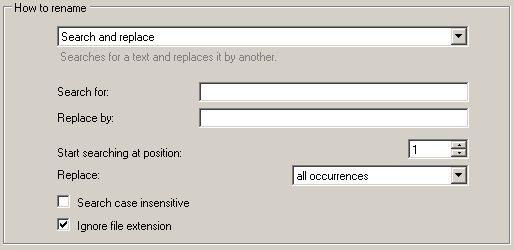
6. Simulate rename Click on  to see if the result is what you expected. to see if the result is what you expected.
Example: Let's say you selected Search & Replace. 
The result would be: 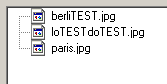
To reset the simulation click on  . .
7. Rename To start the renaming click on  . .
8. Done. 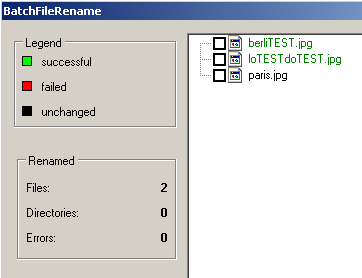
|